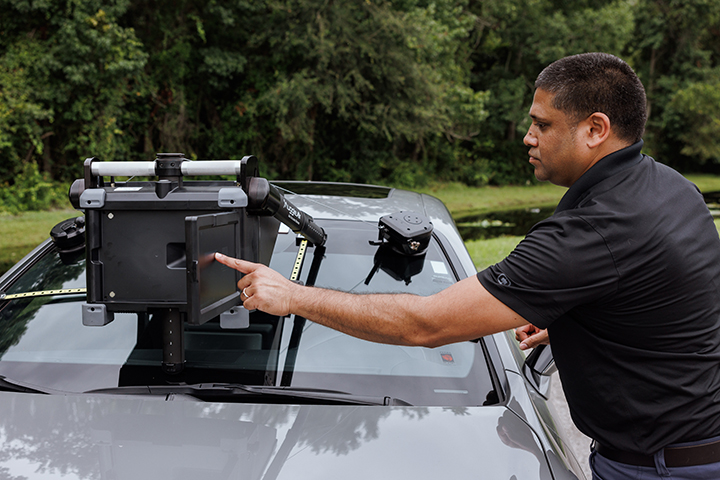
The default way to run Auggie Air: the system carries the manufacturer’s specification, the screen carries the setup, and your technician carries the job from glass to record without waiting on anyone.
Auggie Air determines what the manufacturer requires for that make, model, and year.
02
Follow the guided setup.
About ten minutes, step by step on the operator screen. Mounting, positioning, centerline, target.
03
Run the recalibration.
Your scan tool performs the calibration against the rendered target. The whole job runs in under twenty minutes.
04
The record generates.
Documentation captured against the OEM position statement, timestamped, with the procedure and target setup used.
The guidance is built into the workflow, not into a phone call. Your technician does not translate a procedure by hand; the system carries it to the vehicle.
One click from an AirPro Brand Specialist.
Self-guided does not mean unsupported. If a job raises a question, an AirPro Brand Specialist is one click away from the device, looking at the same screen and guiding remotely. Use it once a month or never; it is there either way.
Built to be the everyday mode.
Shops that want the work fully in-house run self-guided as the standard. High-volume and multi-location operators train their own trainers, their trainers train the floor, and the guided workflow keeps every technician on the same procedure. The same job runs the same way at every location, because the specification comes from the system, not from memory.
If it fits the way your shop works, order it.
Contact an AirPro Representative to Order Auggie Air